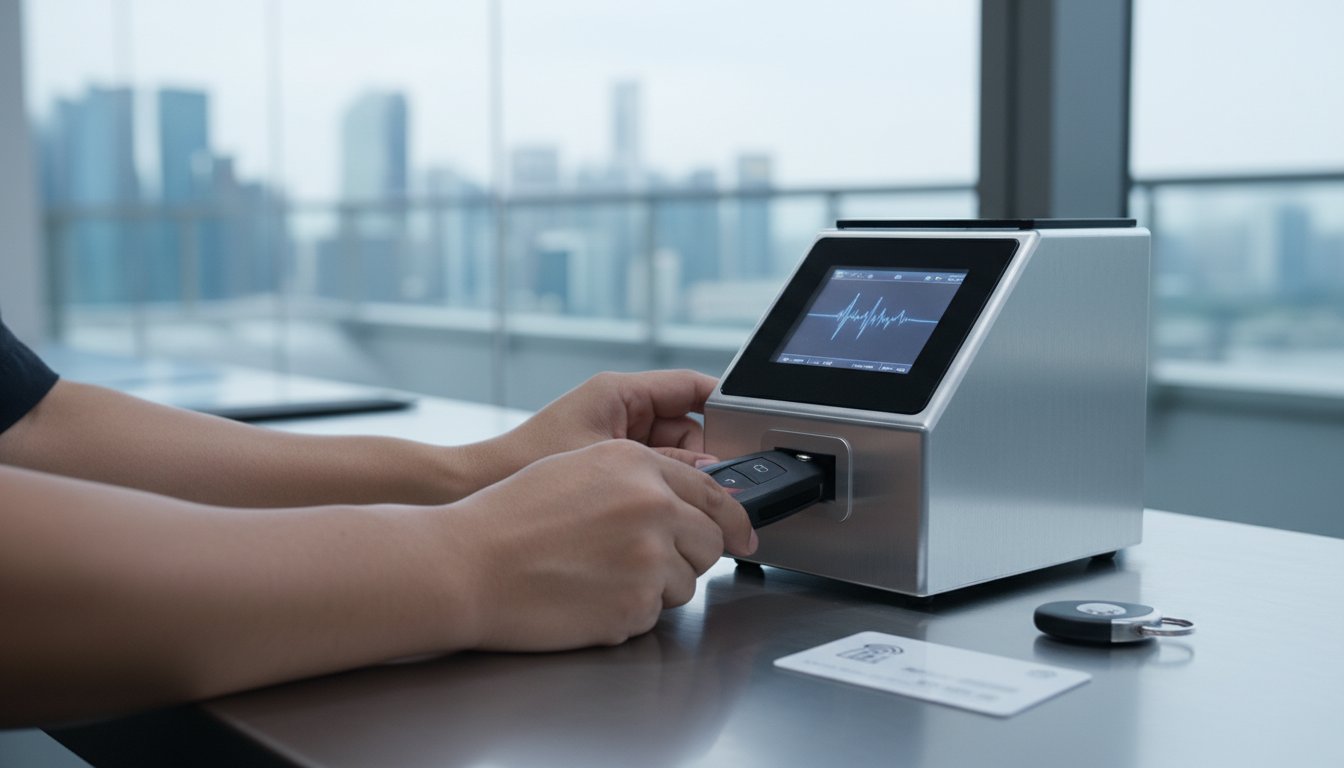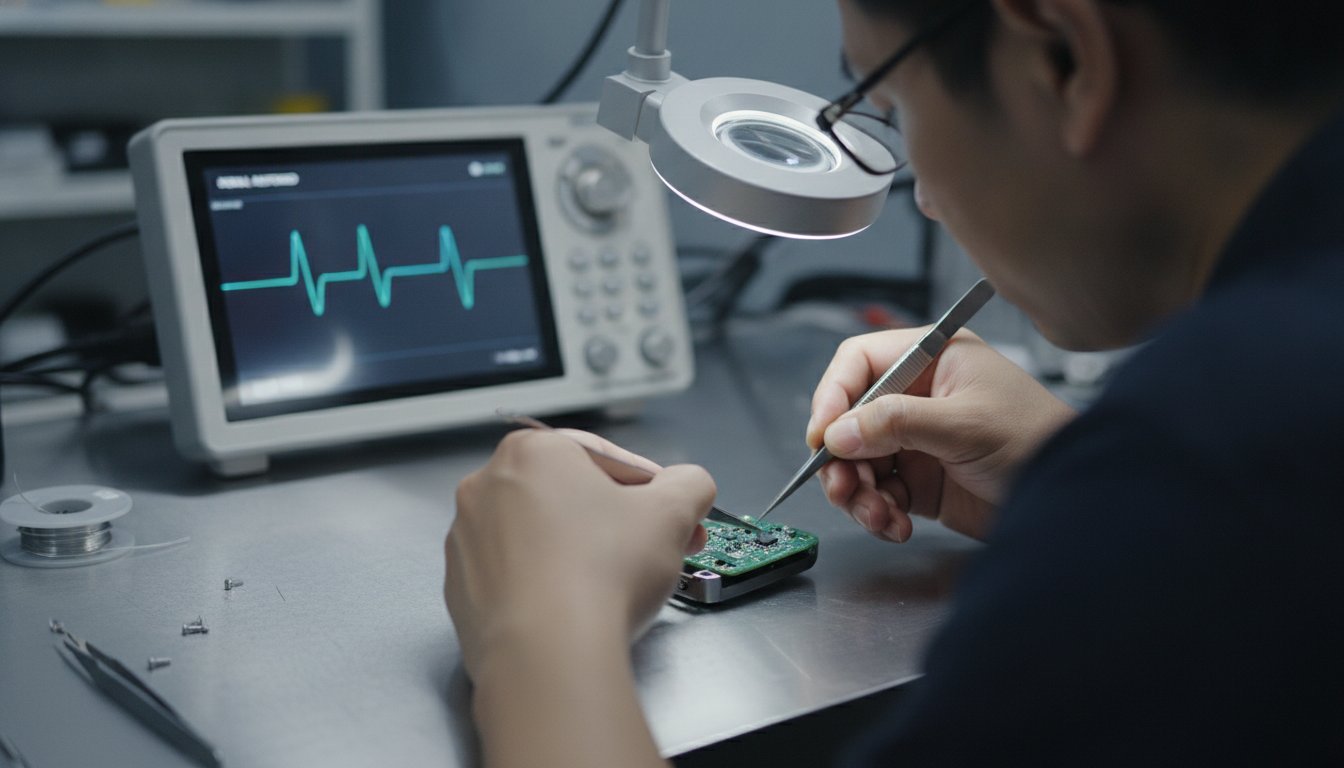


If your auto gate remote is transmitting but the gate still does not respond, how to test auto gate remote signal safely is a sensible first step. A lit indicator may show that the remote is active, but it cannot confirm that the gate received or recognised the signal. The cause could also involve the receiver, system power or compatibility.
This guide covers simple, non-invasive checks: using the remote as intended, observing the gate’s response and noting what happens. It also explains what each result can and cannot tell you, and when to stop rather than adjust the system. If compatibility is in question, Soxxi Master can assess auto gate remote duplication against relevant system details. Final confirmation is required before service proceeds.
Key Takeaways
- Test the remote as intended and observe the gate’s response, keeping clear of the gate’s moving path.
- An indicator light, if your remote has one, may show activity, but it cannot confirm that the gate received or recognised the signal.
- Record the test conditions and results. Check the manufacturer’s instructions before taking any battery-related action.
- Compatibility must be checked against relevant details, and final confirmation is required before service. Contact Soxxi Master for an assessment of auto gate remote duplication.
How an Auto Gate Remote Signal Works, and What a Test Can Confirm
An auto gate remote sends a command to the gate system using radio control. The receiver must recognise that command for the gate to respond. For a straightforward overview of how radio control systems work, see Wikipedia’s explanation of remotely operated devices.
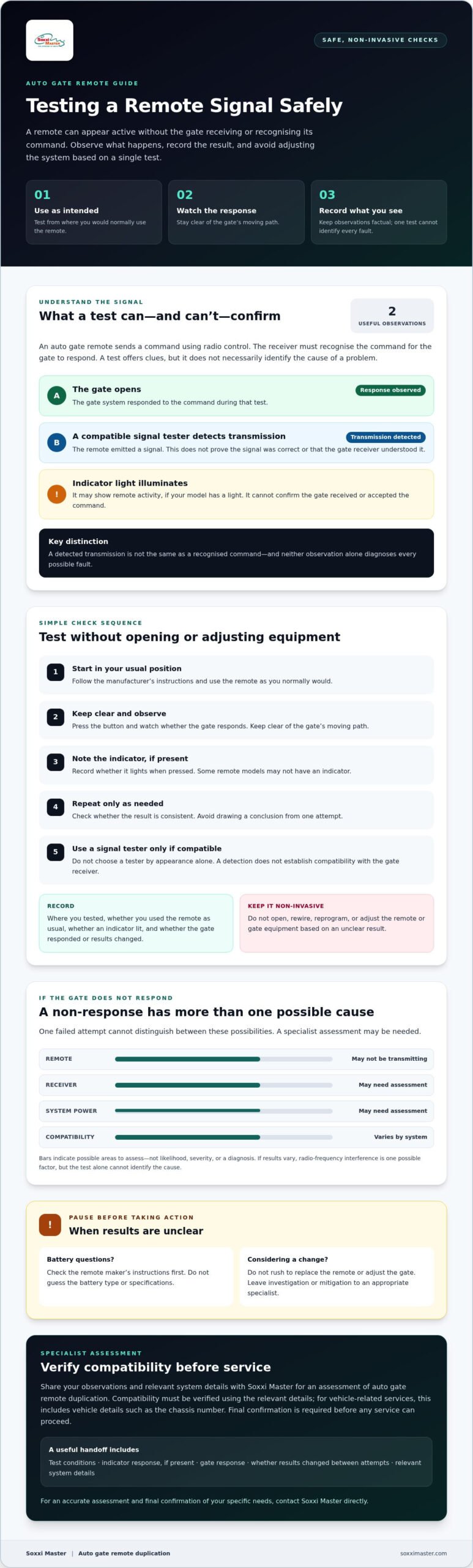
Two observations can help narrow down the issue: whether the gate opens and whether a signal tester detects a transmission. If the gate opens, the system responded to the command during that test. If a tester detects a transmission, the remote emitted a signal, but that does not establish that the signal was correct or that the receiver understood it. Neither result alone identifies every possible fault.
Compatibility varies by system. A remote and receiver may not work together even if the remote appears to transmit. A signal reading does not confirm compatibility, so focus on what you can observe without opening or adjusting the gate equipment.
Does a gate failing to open mean the remote has no signal?
No. A non-response can have several causes. The remote may not be transmitting, or the receiver, system power or compatibility may need assessment. One failed attempt cannot distinguish between these possibilities. Avoid changing system settings or attempting complex repairs based on that observation alone.
If the result remains unclear, note what happened and contact Soxxi Master for an assessment of auto gate remote duplication. Compatibility must be checked against relevant details, and final confirmation is required before service proceeds. For services involving a vehicle, vehicle details such as the chassis number may be needed. Ask Soxxi Master what information applies to your gate system through its auto gate remote duplication service.
How to Test an Auto Gate Remote Signal Safely
To test the remote safely, start where you would normally use it. Follow the manufacturer’s instructions, press the button and observe whether the gate responds. Keep clear of the gate’s moving path. Repeat the test only as needed to see whether the result is consistent.
If the remote has an indicator light, note whether it illuminates when you press the button. Some models may not have one. A light by itself does not prove that the gate received or accepted the command.
If you want to test transmission directly, use a signal tester only if it is confirmed compatible with that remote system. Do not choose a tester based on appearance alone or assume that a detection result proves the remote and gate receiver are compatible.
What does a signal tester result tell you?
A detection means the tester picked up a transmission. It does not confirm that the receiver can understand or act on the command. If results vary, radio-frequency interference is one possible factor, but the test alone cannot identify the cause. CISA’s guide to RF interference best practices provides broader context. Leave investigation or mitigation to an appropriate specialist.
- Record: where you tested, whether an indicator lit and whether the gate responded.
- Keep it non-invasive: do not open, rewire or reprogram the remote or gate equipment.
If the result is still unclear, ask Soxxi Master to assess auto gate remote duplication. Compatibility must be checked using relevant system details, and final confirmation is required before service proceeds. Vehicle details, such as a chassis number, apply where the service concerns a vehicle. For an assessment, see Soxxi Master’s auto gate remote duplication service.
What to Do When Your Auto Gate Remote Signal Test Is Unclear
If your test results are unclear, do not rush to replace the remote or adjust the gate. Keep your notes factual so a specialist can understand what you observed. Record:
- Where and under what conditions you tested, including whether you used the remote as usual.
- Whether an indicator light came on, if your remote has one.
- Whether the gate responded and whether the result changed between attempts.
These observations help you assess the result without drawing conclusions from a single attempt. If you suspect the battery, check the remote maker’s instructions before taking any action. Do not guess the battery type or specifications, and avoid opening or modifying the remote unless the instructions call for a simple user-level step. The Federal Communications Commission (FCC) regulations page provides context for certain radio-frequency devices, but it cannot determine whether your remote is compatible with your gate system.
For service information, see Soxxi Master’s auto gate remote duplication page.
When should you request a specialist assessment?
Ask for an assessment if you do not have a tester confirmed compatible with your remote, or if the results do not clearly establish whether the remote is transmitting. Share your observations and relevant system details. Soxxi Master checks compatibility and suitability before proceeding with service, and final confirmation is required. Vehicle details, such as a chassis number, may be relevant to vehicle services; a gate remote assessment depends on the relevant gate system information.
For an assessment of your needs, contact Soxxi Master.
Take the Next Step with Confidence
Testing the remote as intended and noting the gate’s response can help narrow down what is happening. Neither an indicator light nor a detected transmission proves that the receiver recognises the command. Keep your checks non-invasive, and consult the remote maker’s instructions before taking battery-related action.
If the result remains unclear, an assessment can help clarify the next step. Soxxi Master provides auto gate remote duplication. Compatibility must be checked using relevant system details, and final confirmation is required before service proceeds. For services involving a vehicle, compatibility is checked against vehicle details such as the chassis number.
Clear observations and a compatibility check can help you decide how to proceed.
Frequently Asked Questions
How can I tell if my auto gate remote is sending a signal?
Use the remote as instructed and observe whether the gate responds. If you have a signal tester confirmed compatible with your remote system, it can indicate whether a transmission is detected. Neither a gate response nor a tester reading confirms that every part of the system is working correctly.
Can I test an auto gate remote with my phone?
Usually, a standard smartphone cannot directly detect or verify the signal sent by an auto gate remote. A phone app may show information from a compatible access system, but that does not necessarily test the handheld remote’s transmission. For evidence of transmission, use a tester confirmed compatible with the remote system or ask a specialist to assess the result.
What should I do if my auto gate remote has a signal but the gate does not open?
A detected signal does not prove that the gate receiver can recognise or accept the command. Note the conditions and result, then check the remote maker’s instructions before taking battery-related action. Avoid opening, rewiring or reprogramming equipment. If the cause remains unclear, request a specialist assessment rather than assuming the remote or gate is faulty.
Does a remote indicator light prove that the auto gate remote is working?
No. If the light comes on, it shows an indicator response, but it does not confirm that the signal is reaching or being accepted by the gate. Compatibility varies by system. Soxxi Master checks relevant details and suitability before auto gate remote duplication, with final confirmation required before service proceeds. For vehicle-related services, compatibility is checked using vehicle details, such as a chassis number. Contact Soxxi Master for an assessment.